
How to add modes iOS
Edited
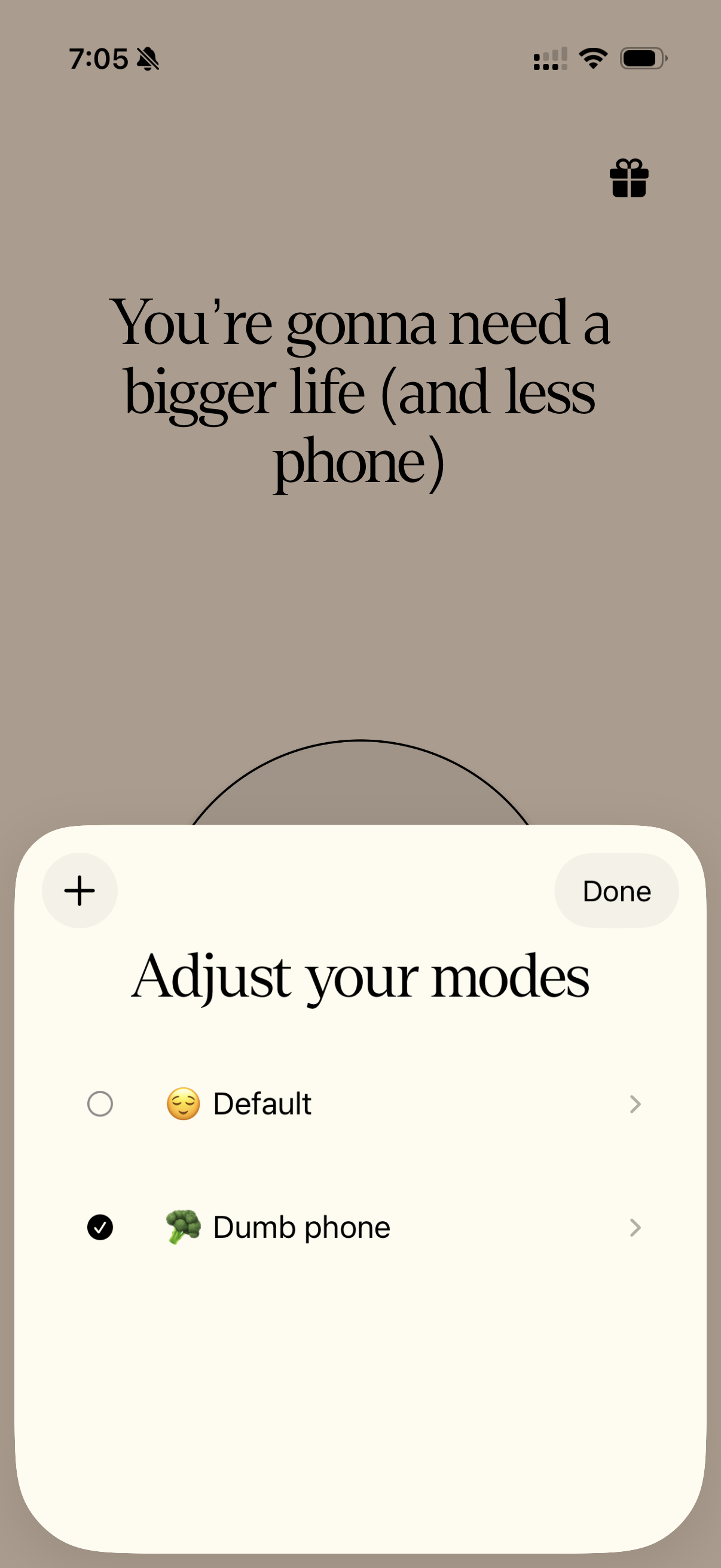
Modes are different blocking setups you create inside the Tap Out app. Each mode lets you decide which apps and websites are restricted and how strict the blocking should be. You can switch between modes anytime depending on your focus needs.
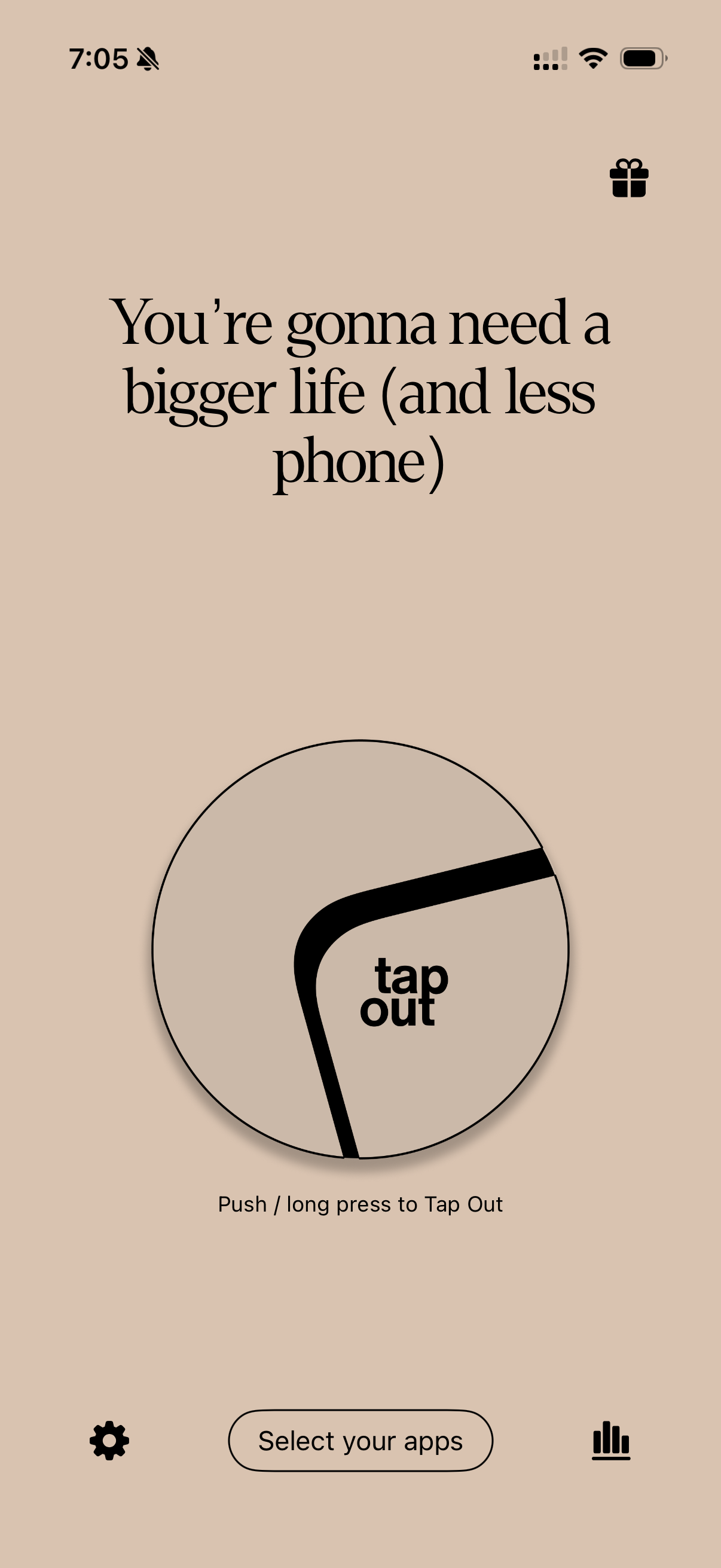
Open Tap Out
Click on "Select your apps."
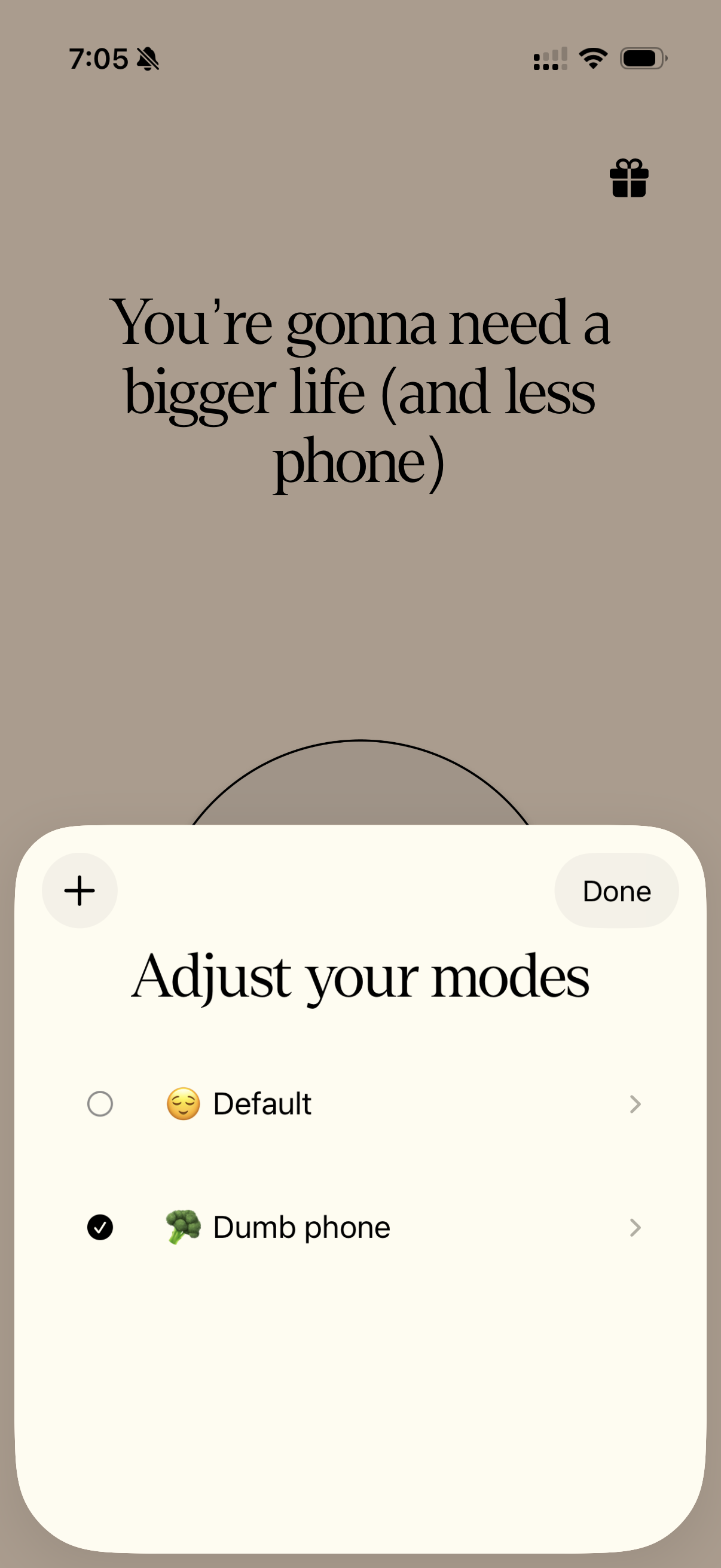
Click on "+" icon
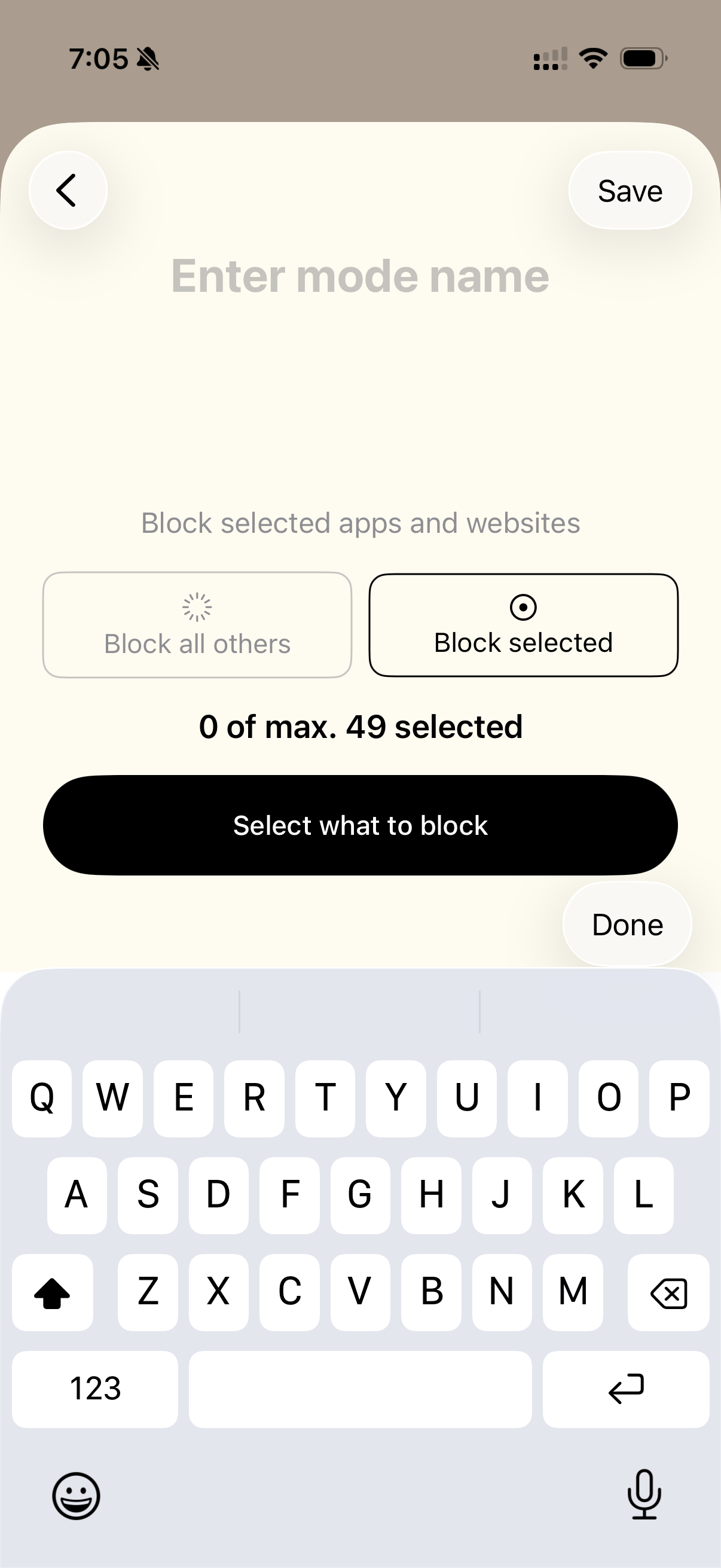
Enter the mode name of your choice
You will have an option to either Block all others or Block selected.
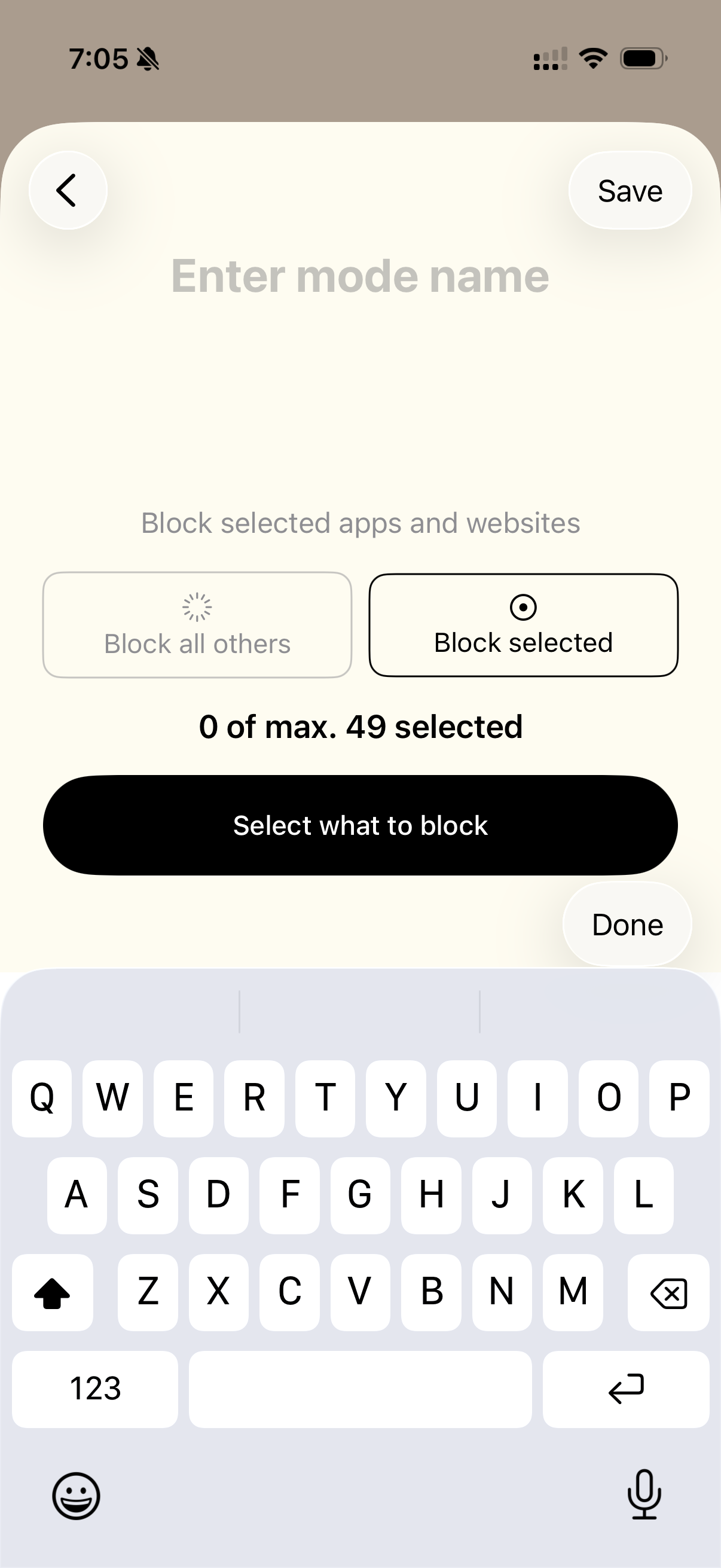
Select what to block
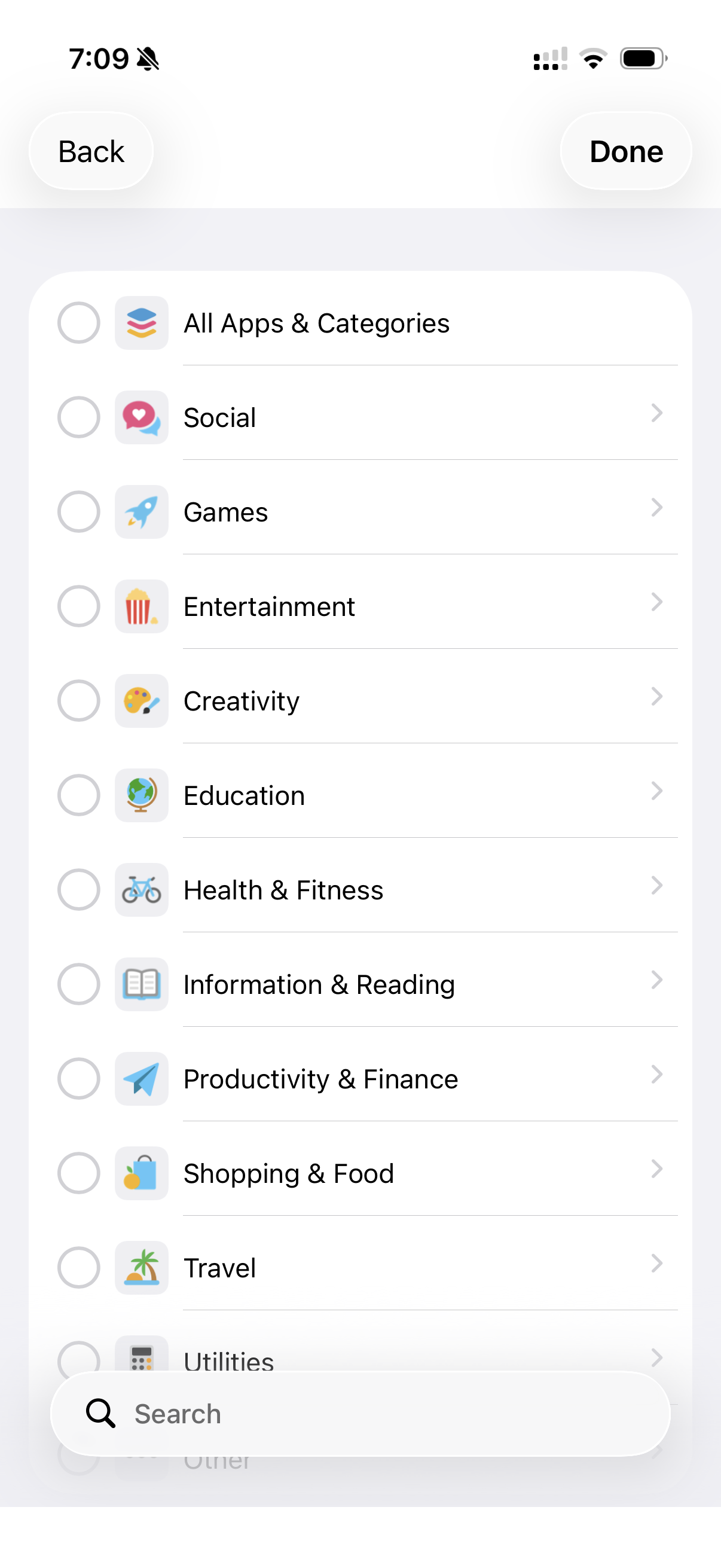
Choose between the categories
Click on Done
Save your mode
All set! Your modes are ready to use!
Was this article helpful?
Sorry about that! Care to tell us more?